
Jun 2, 2026 | Advanced Linux Scripting, Learn Linux in practical way
KVM virtual machines won’t start with “cannot execute binary /usr/bin/swtpm: Permission denied”? Learn how to fix SELinux blocking swtpm (TPM emulator) in 5 minutes. Complete guide with multiple solutions. You’ve just rebooted your KVM host...
Jun 2, 2026 | Advanced Linux Scripting, Learn Linux in practical way
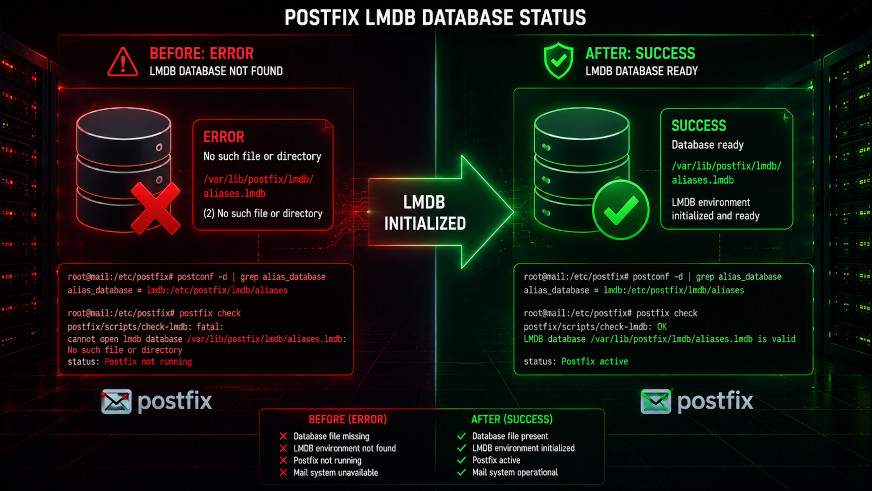
Postfix postscreen failing with “error: open database …lmdb: No such file or directory”? Learn why this happens and how to fix it permanently in 2 minutes. Complete guide with scripts. You’ve just fixed the Postfix hash: to lmdb: conversion, but now...
Jun 2, 2026 | Advanced Linux Scripting, Learn Linux in practical way
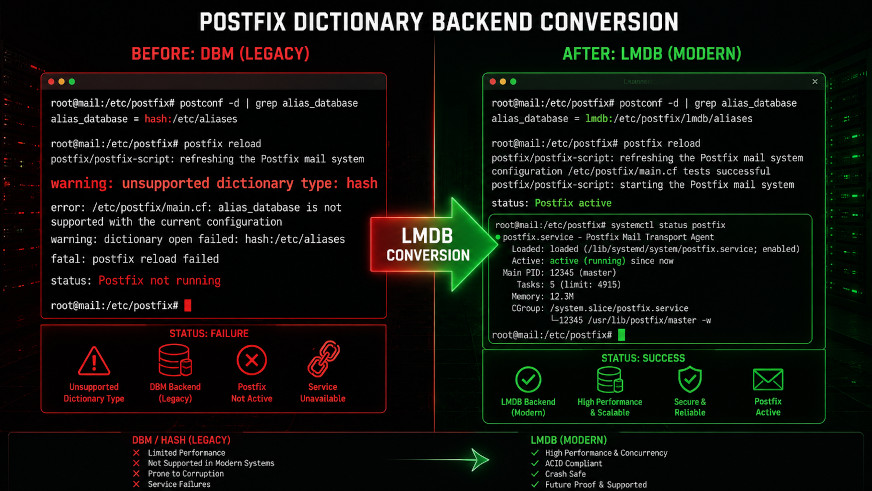
Upgraded to Rocky Linux 10 and Postfix is failing with “unsupported dictionary type: hash”? Learn how to convert hash maps to LMDB in 5 minutes. Complete guide with scripts. You’ve just upgraded your mail server to Rocky Linux 10. Everything seemed...
Jun 2, 2026 | Advanced Linux Scripting, Learn Linux in practical way
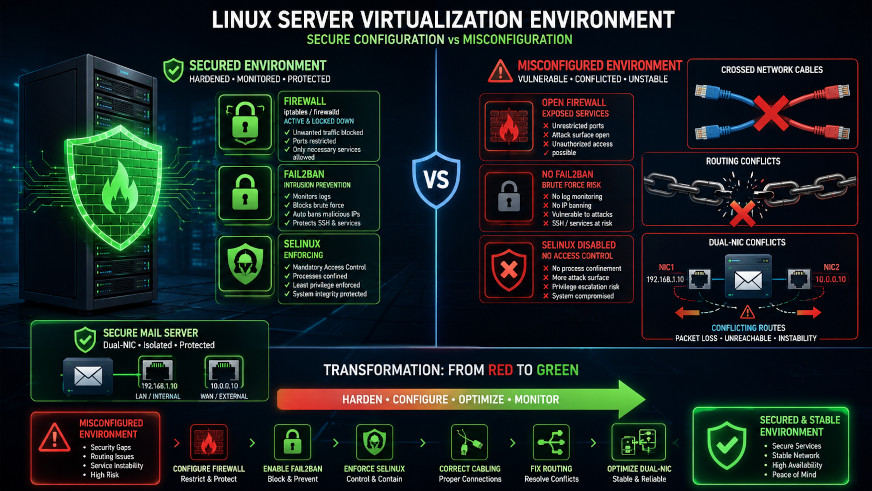
Introduction Running a KVM host with multiple VMs requires careful security configuration. This guide documents real-world challenges including network instability, firewall issues, and a tricky dual-NIC routing problem on a mail server VM. Part 1: Initial Server...
May 25, 2026 | Advanced Linux Scripting, Learn Linux in practical way
Here’s a scenario no server administrator wants to face 🙂 You wake up to find your email server unresponsive. The disk has failed. Your hosting provider says the last backup is from 6 months ago. Your CEO is asking why no one can send or receive email. What do...
May 25, 2026 | Advanced Linux Scripting, Learn Linux in practical way
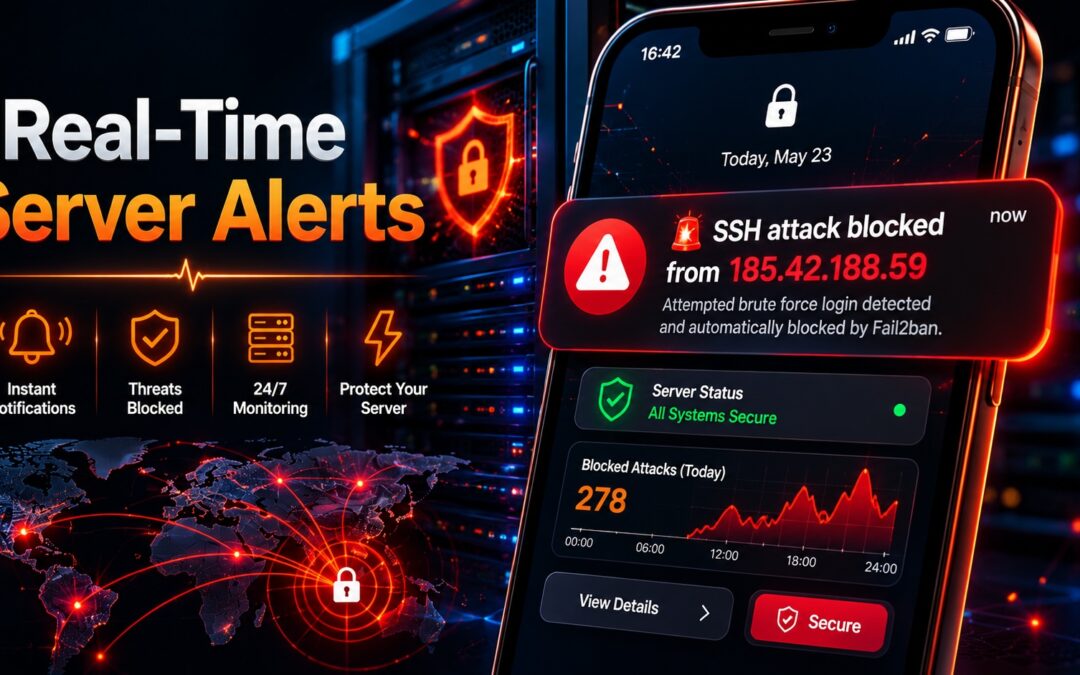
Stop checking logs manually. Get instant push notifications when your server is attacked. Free, no registration, works with Fail2ban, Docker, cron jobs, and scripts. Complete setup guide for iOS and Android. You have fail2ban running. Your firewall is configured. Your...
May 25, 2026 | Advanced Linux Scripting, Learn Linux in practical way
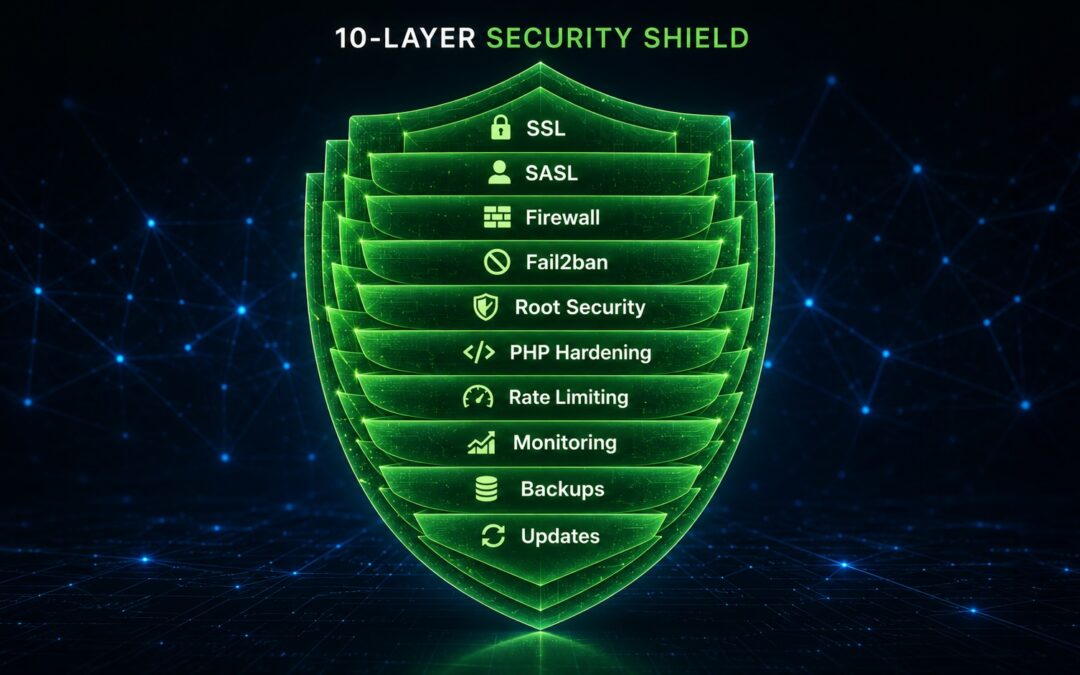
Default iRedMail installations work but aren’t secure. Follow this 10-point checklist to harden your mail server: SSL certificates, fail2ban, SASL authentication, firewall, PHP security, real-time alerts, and more. You’ve just installed iRedMail. Webmail...

May 25, 2026 | Advanced Linux Scripting, Learn Linux in practical way
I recently upgraded two production iRedMail servers from version 1.7.4 to 1.8.2. The official documentation is excellent but assumes a perfect world. In reality, you’ll encounter: PHP version mismatches (older OS versions) File permission issues after upgrade...

May 24, 2026 | Advanced Linux Scripting, Learn Linux in practical way
This guide explains how to securely configure a Rocky Linux 10 KVM virtualization host with proper network segmentation, SSH hardening, and intrusion protection using Fail2Ban and firewalld. Before You Start (IMPORTANT SAFETY RULE) Never apply firewall or SSH...
May 22, 2026 | Advanced Linux Scripting, Learn Linux in practical way
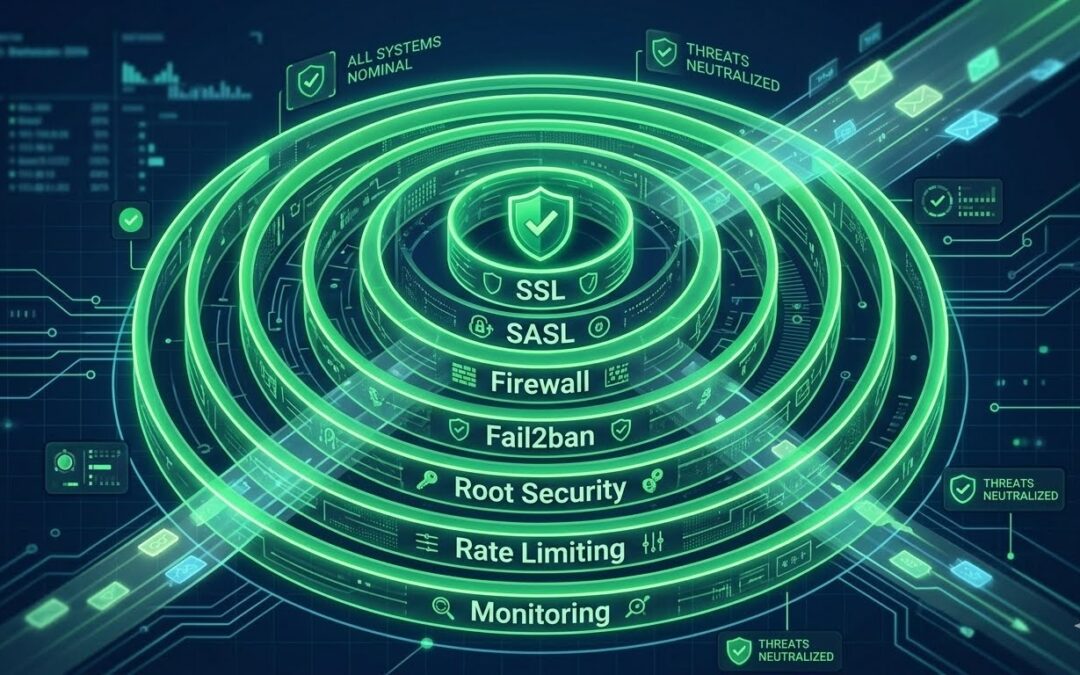
Default iRedMail installation is not production-ready. Learn how to harden your mail server with SSL certificates, SASL authentication, firewall rules, fail2ban, root security, rate limiting, and monitoring. Congratulations! You’ve installed iRedMail. The web...