
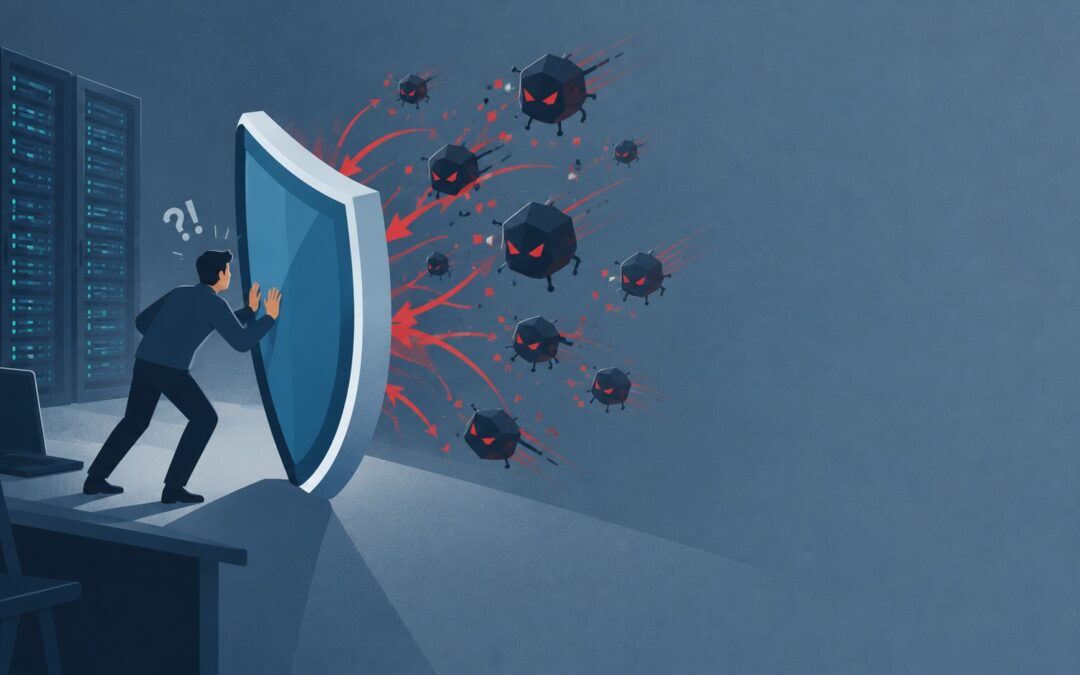
A brute-force storm hammered two mailboxes. The mail server correctly started banning source IPs including, eventually, a legitimate user's. How to diagnose a self-inflicted ban, clear it, allowlist the real people, and keep the protection that was doing its job.
A user messaged: "webmail is down, is the server okay?" The server was fine. The user's IP was banned by us. Our own security stack had decided they were an attacker, and honestly, given the traffic, it was hard to argue with it at first glance.
This is the post about the uncomfortable middle ground of running an automated ban system on a public mail host: most of the time it's quietly protecting you, and then one day it bans a customer and you have to untangle it without turning off the thing that was working.
What the logs showed
The trigger was real. Overnight, two mailboxes call them `sales@` and a generic team address got hammered with SASL authentication failures. When I counted the matching lines in that day's mail log, the number was in the low thousands:
grep -c "SASL.*authentication failed" /var/log/maillog-20261030
That's a credential-stuffing run against known mailboxes. Standard, annoying, and exactly the kind of thing a ban system exists to stop. CrowdSec was watching the mail log, saw the failures, and started issuing decisions against the source IPs. Working as intended.
Then a legitimate user tried to log in to webmail through a new connection, CrowdSec saw traffic from an IP that had been flagged (shared egress, a VPN, or just bad luck in timing), and banned it on the web port as well. The user experienced it as "webmail is down."
The diagnosis, in the right order
The temptation is to start poking nginx or PHP when webmail "goes down." Resist it. When you run a ban system on a public host, the first hypothesis for any single-user connectivity loss is *our own ban*, not an application fault. Check it in this order:
1. Confirm the user's current public IP.
Have them (or a machine on their network) run:
$ curl -s ifconfig.me
You need the IP they're *actually* coming from right now, not the one in your notes. Egress changes constantly — mobile networks, VPNs, corporate proxies.
2. Ask CrowdSec whether it's banned.
cscli decisions list --ip
If a decision comes back, you've found it in seconds and you skip the entire nginx/PHP wild goose chase. The decision will show the scenario and origin, which tells you whether it was the mail brute-force scenario spilling over or a web scenario.
3. If it's not banned, widen the search.
If `cscli decisions list` is empty for that IP, the problem is elsewhere and now you go look at the app layer, is nginx up, is anything dropping 443 in nftables/iptables that isn't CrowdSec's bouncer, what does the webmail error log say. But do this only after the ban check comes back clean. The order matters; it's the difference between a two-minute fix and a two-hour one.
Clearing the ban and keeping the user clear
Removing a single decision is one command:
cscli decisions delete --ip <your IP>
That gets them back in immediately. But if the same user comes from the same shared egress tomorrow during another storm, they'll be banned again and now you're playing whack-a-mole with a customer's connectivity. The durable fix is an allowlist.
cscli allowlists list
This prints your existing allowlists and, importantly, what's actually in them. Two things I've learned to check here rather than trust:
- The allowlist file on disk and what CrowdSec loaded can differ. If someone hand-edits a whitelist file, CrowdSec won't necessarily reload it without a restart. `cscli allowlists list` is the source of truth for what's enforced; the file is just intent.
- The IP you assume is whitelisted often isn't. In this case the office range was allowlisted, but the specific user's egress IP was not in any loaded list — the file suggested it should be, the running config disagreed. Verify against `cscli allowlists list`, not against the file.
Adding an IP to an allowlist:
cscli allowlists add <your IP>
Once allowlisted, decisions can still be generated against that IP, but they won't be enforced by the bouncer. That's the behavior you want for known-good sources: the detection still fires (useful telemetry), the enforcement doesn't.
The part that's easy to get wrong
The instinct after a self-inflicted ban is to loosen the ban system. Turn down the sensitivity, widen the allowlist to a huge range, or disable the scenario. All three are mistakes, and the third is a security incident waiting to happen.
The right adjustment is narrow:
- Allowlist specific known-good source IPs and the smallest sensible CIDR around them. Not a /16 because it's convenient.
- Keep the brute-force scenario on. It was correctly identifying real attacks. The problem wasn't that it fired; it was that a legitimate IP got caught in the blast radius.
- Leave the bouncer enforcing. The bouncer is what turns a decision into an actual drop. If you disable it "temporarily" you now have detection and no protection, which is worse than either extreme.
There's a subtlety worth knowing about the enforcement side. CrowdSec decisions are only effective if something is actually enforcing them at the packet level. Confirm that independently of `cscli`:
nft list ruleset | grep -i crowdsec
If you see the bouncer's tables and sets, enforcement is live. If you don't, your `cscli decisions` are theater decisions sitting in a database that nothing is reading. I've seen exactly this: a healthy-looking `cscli decisions list`, and a firewall silently not applying any of it. Checking the ruleset is the difference between believing you're protected and being protected.
A note on the ban that was "supposed" to be there
While I was in there, I found an old decision against an IP that had been banned days earlier and never revisited. It was still active, still enforced, and nobody remembered why. This is normal for automated ban systems — decisions expire, but the ones that don't expire (or that got extended) accumulate. Every so often, prune:
cscli decisions list
and delete anything you can't justify. An allowlist you forgot about and a ban you forgot about are equally capable of causing a confusing outage.
What I'd do differently
1. 'd check my own ban list before any application logs for single-user connectivity issues. On a host running an automated ban system, "only one user can't reach webmail" is a ban until proven otherwise. The application is rarely down for exactly one person.
2. I'd treat allowlists as enforced state, verified with `cscli`, not as files. The gap between the file and the running config has bitten me. `cscli allowlists list` is the only answer I trust.
3. I'd check enforcement, not just decisions. `cscli decisions list` tells you what CrowdSec wants blocked. `nft list ruleset | grep crowdsec` tells you what's actually blocked. They can disagree, and when they do, the second one is reality.
The brute-force traffic that started all this was real and needed stopping. The system did its job. My job was to keep it doing that job without catching the people it was supposed to protect and to remember that on a public mail host, the most likely cause of "one user can't connect" is a rule I wrote, not a bug I didn't.