May 24, 2026 | Advanced Linux Scripting, Learn Linux in practical way
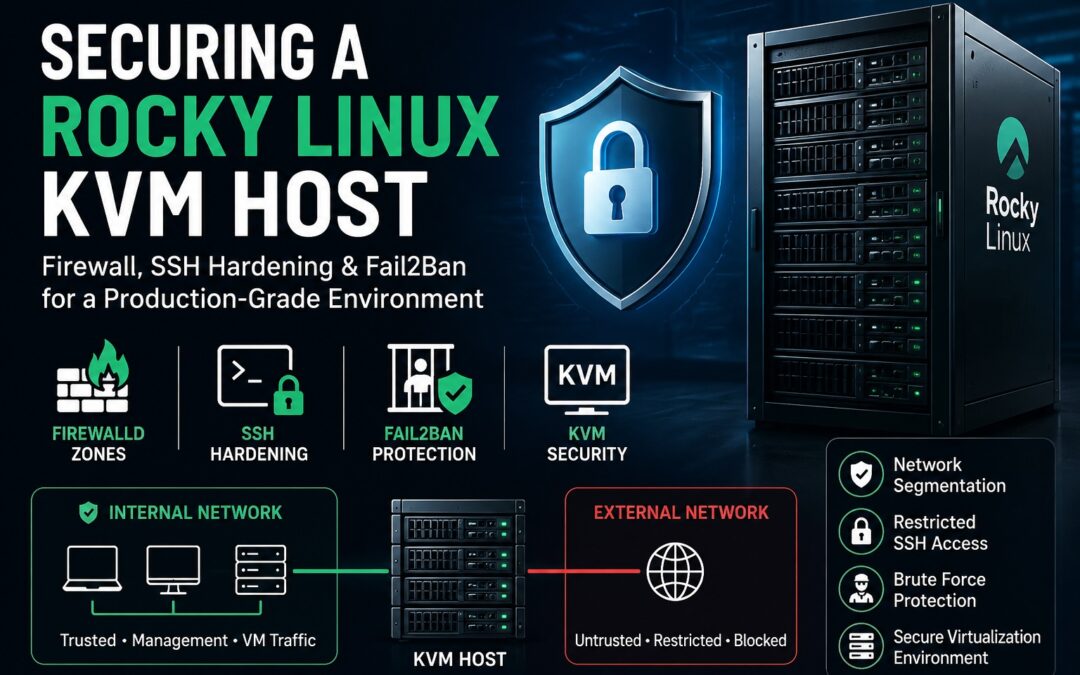
This guide explains how to securely configure a Rocky Linux 10 KVM virtualization host with proper network segmentation, SSH hardening, and intrusion protection using Fail2Ban and firewalld. Before You Start (IMPORTANT SAFETY RULE) Never apply firewall or SSH...
May 22, 2026 | Advanced Linux Scripting, Learn Linux in practical way
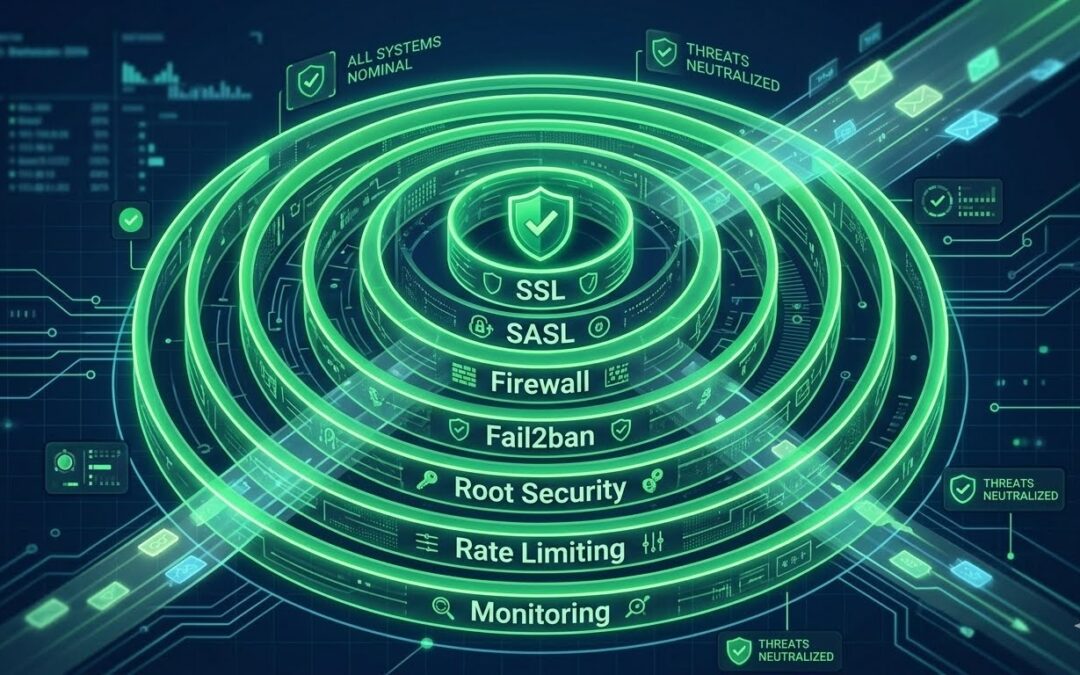
Default iRedMail installation is not production-ready. Learn how to harden your mail server with SSL certificates, SASL authentication, firewall rules, fail2ban, root security, rate limiting, and monitoring. Congratulations! You’ve installed iRedMail. The web...
May 22, 2026 | Advanced Linux Scripting, Learn Linux in practical way
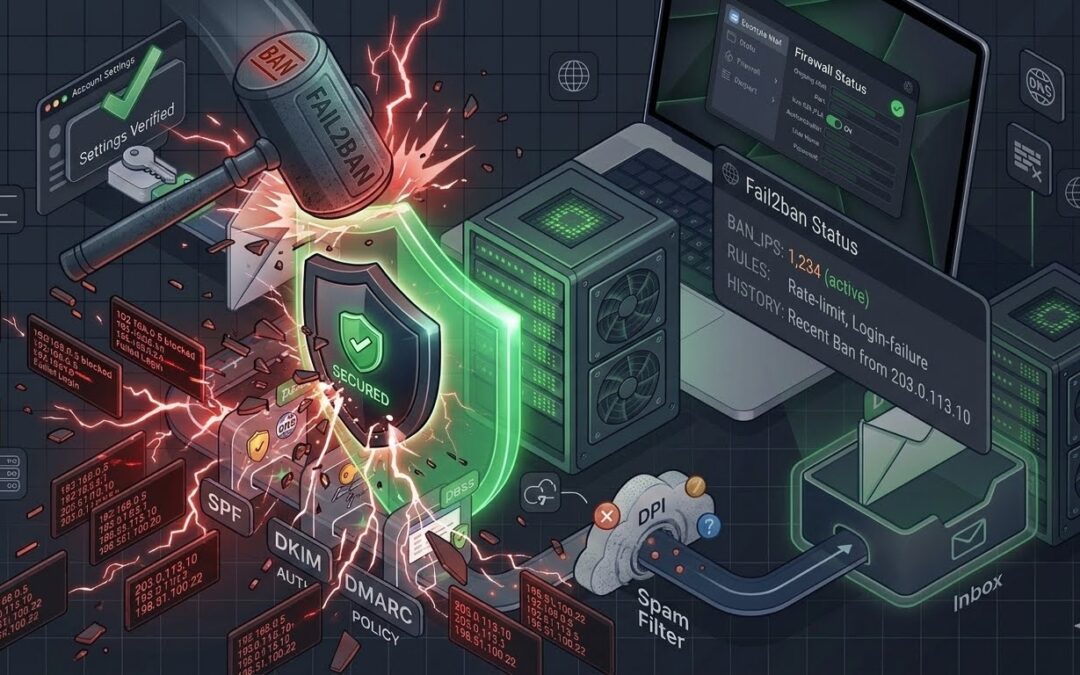
Fail2ban is installed but are you getting alerts? Learn how to configure fail2ban for iRedMail, fix broken jails, and set up real-time notifications via email and Telegram. Your iRedMail server is being attacked. Right now. Open your mail logs and you’ll see a...
May 22, 2026 | Advanced Linux Scripting, Learn Linux in practical way
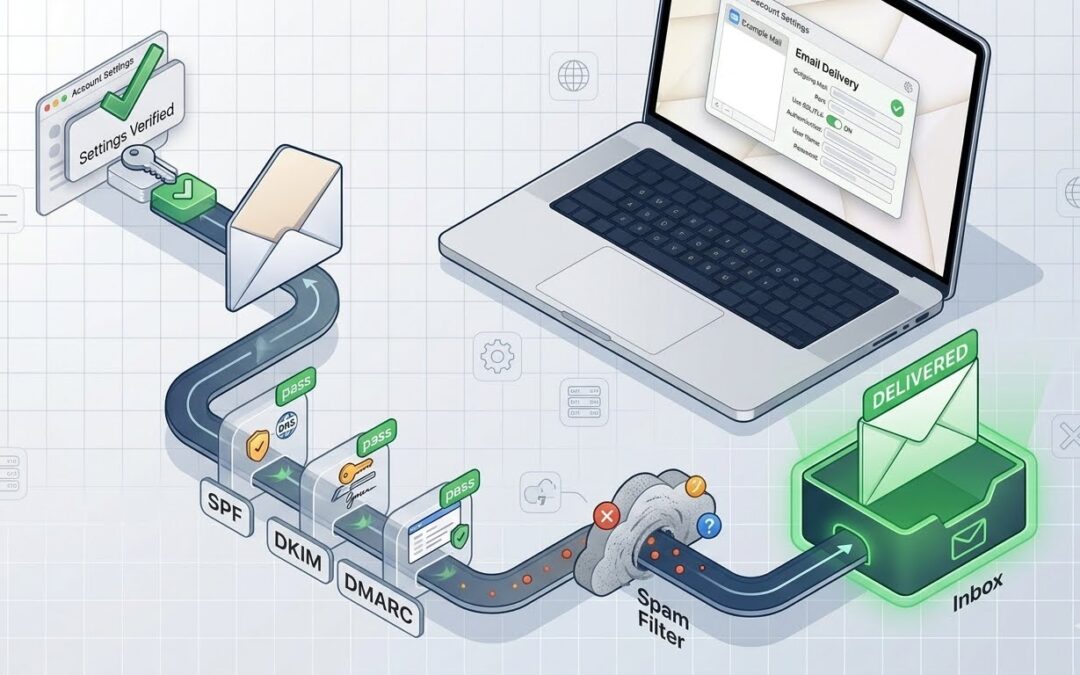
Emails from your iRedMail server going to Gmail spam folder? Learn how to set up SPF, DKIM, DMARC, PTR records, and warm up your IP address for perfect deliverability. You’ve set up iRedMail. SSL certificates are working. Authentication is perfect. But...
May 22, 2026 | Advanced Linux Scripting, Learn Linux in practical way
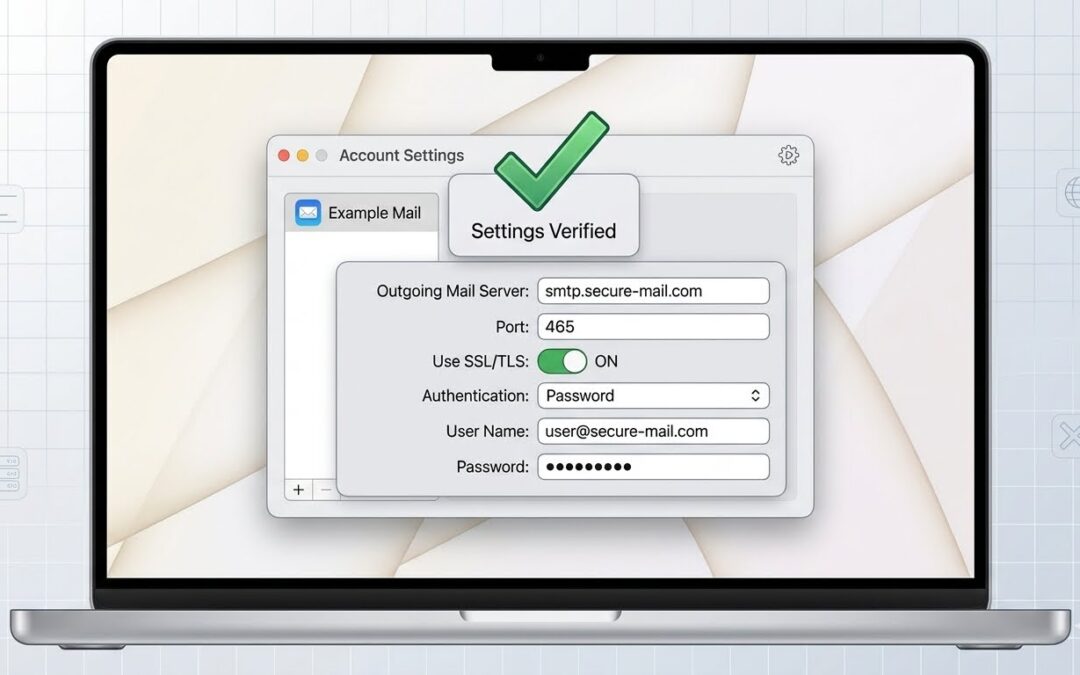
Apple Mail throwing “Unable to verify account name or password” errors with your iRedMail server? Learn the correct settings for IMAP, SMTP, SSL, and authentication that actually work. Suggested Featured Image Prompt: You’ve followed every tutorial....
May 22, 2026 | Uncategorized
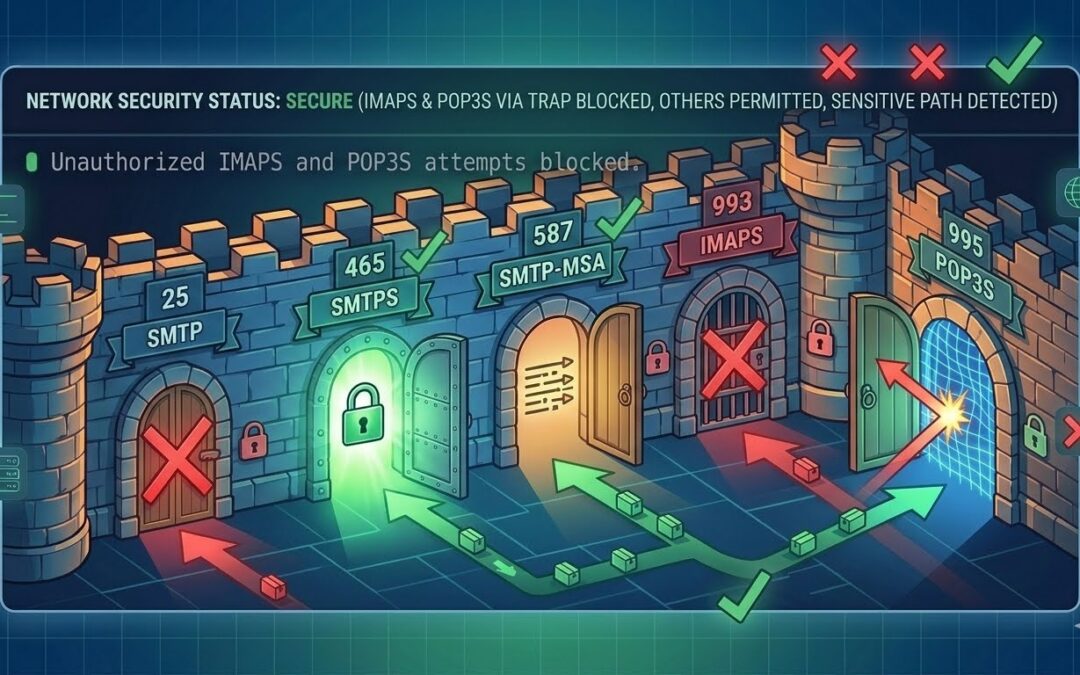
You’ve opened ports 465 and 587 in firewalld, but connections still fail. Learn why rich rules, zones, and service definitions matter. Fix your email server firewall once and for all. You’ve run the command. You’ve double-checked it twice: sudo...

May 22, 2026 | Advanced Linux Scripting, Learn Linux in practical way
Tired of “untrusted certificate” warnings in your email client? Replace iRedMail’s self-signed SSL certificates with free Let’s Encrypt certificates. Step-by-step guide for Rocky Linux, Ubuntu, and more. You’ve just set up iRedMail and...
May 22, 2026 | Advanced Linux Scripting, Learn Linux in practical way
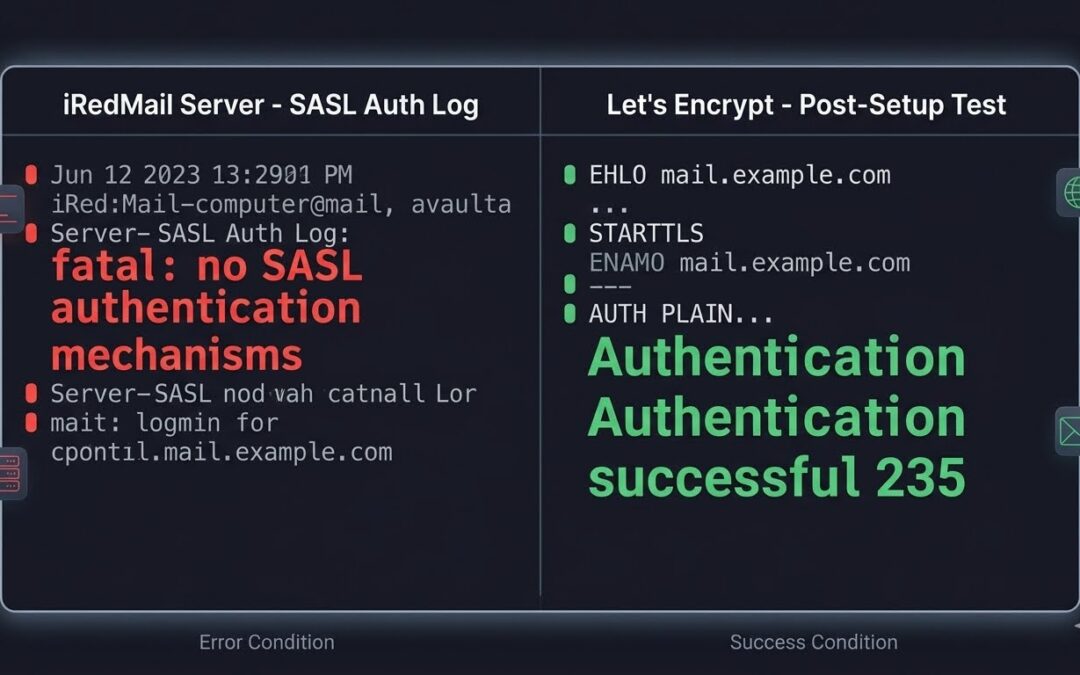
You’ve just set up iRedMail, configured your domains, and created email accounts. Everything seems perfect until you try to send an email from your desktop client. Instead of a sent confirmation, you’re staring at an error message in your mail logs:...
May 22, 2026 | Advanced Linux Scripting, Learn Linux in practical way
Introduction iRedMail is a powerful open-source mail server solution that comes with self-signed SSL certificates by default. While self-signed certificates work, they trigger security warnings in email clients like Apple Mail, Outlook, and Thunderbird. This tutorial...
Apr 21, 2026 | Advanced Linux Scripting, Learn Linux in practical way
Essential Examples for System Administrators (Bridge, VLAN, and SSH Safety) NetworkManager’s command-line tool nmcli is a powerful utility for managing network connections on Linux servers. For system administrators, mastering nmcli is essential—it allows you to...